
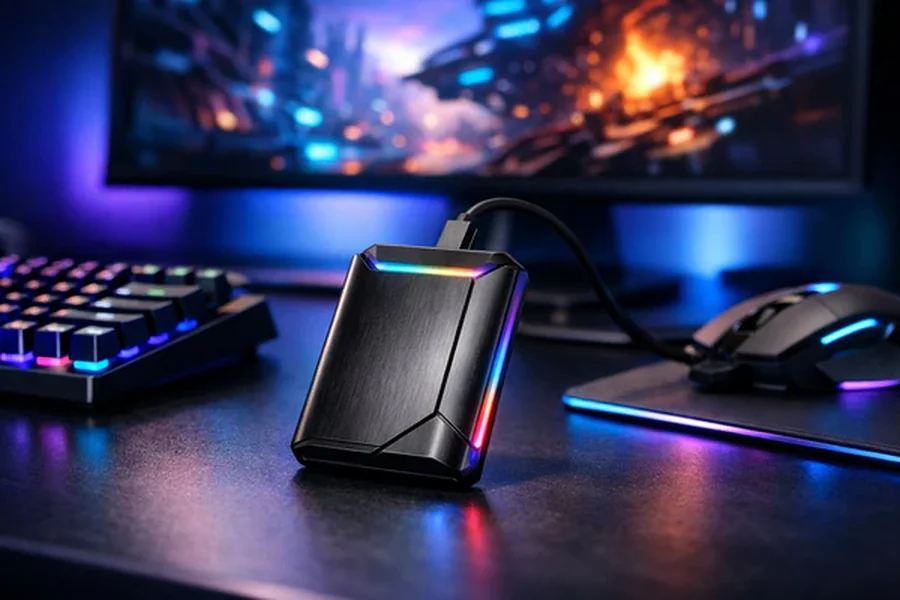
An external ssd has become a must-have tool for both professionals and gamers, offering lightning-fast speeds, reliable performance, and unmatched portability. External SSDs are built to handle demanding tasks such as running applications, loading games, and transferring large files with ease.
Whether you’re working on creative projects, managing business data, or gaming at high performance, an external SSD can significantly improve your experience. In this article, we’ll explore the top benefits of using an external SSD for work and gaming.
Benefit #1: Faster Performance and Speed
External SSDs significantly improve your computer’s responsiveness. They enable your system to boot up in seconds and launch applications almost instantly, unlike traditional HDDs that can take much longer. SSDs speed up file transfers, saving time when handling large files like videos, images, or game data.
For gaming and demanding software, SSDs reduce latency, delivering smoother performance, faster load times, and a more seamless experience. Overall, external SSDs make your system faster, more efficient, and more enjoyable to use.
Benefit #2: Reliability and Durability
External SSDs are very reliable because they have no moving parts, unlike HDDs, which use spinning disks and mechanical read/write heads. This makes them much less likely to fail from drops, bumps, or vibrations. They generate less heat, which helps your system run smoothly even during intensive tasks.
Modern SSDs are designed to last for years, often outliving HDDs in high-use or portable setups. Some rugged models can even resist water, dust, and shocks, making them suitable for tough environments. Overall, their durability and toughness make external SSDs a dependable choice for both work and travel.
Benefit #3:. Portability and Convenience
External SSDs are compact and portable, ideal for users who travel or move between workstations and gaming setups. They fit easily into a laptop bag, backpack, or pocket without adding bulk. They feature plug-and-play compatibility with PCs, Macs, gaming consoles, and some smartphones, allowing you to start using them immediately without any additional setup or software. In short, their compact size, mobility, and easy device compatibility make external SSDs highly convenient for on-the-go storage.
Benefit #4: Quiet and Energy-Efficient Operation
External SSDs are much quieter than traditional hard drives because they have no spinning disks or mechanical read/write heads. This silent operation makes them ideal for quiet workspaces, home offices, or gaming setups where noise can be distracting.
They are also more energy-efficient.
Since SSDs don’t require motors to spin disks, they consume less power, which helps extend the battery life of laptops and portable devices. Lower power usage also reduces overall heat output, which keeps the device cooler during heavy workloads.
This combination of silent operation, low power consumption, and minimal heat makes external SSDs. Ideal for long sessions of gaming, video editing, large file transfers, or any intensive computing tasks without causing noise or overheating issues.
Benefit #5: Enhanced Workflow for Professionals
External SSDs help professionals work faster and more efficiently by reducing the time spent waiting for files or applications to load. For creative tasks such as video editing, 3D modeling, or graphic design, they provide nearly instant access to large project files, making editing and rendering smoother.
They also handle large datasets and complex business files effortlessly, avoiding the slowdowns often experienced with traditional hard drives. SSDs allow professionals to run multiple heavy programs without lag.
This consistent speed minimizes interruptions, keeping workflows smooth and allowing users to focus on their work rather than waiting for storage to catch up. External SSDs save time, improve efficiency, and make managing demanding tasks much easier.
Benefit #6: Improved Gaming Experience
External SSDs improve gaming by significantly cutting load times for games and updates, allowing you to jump into gameplay almost immediately. They ensure smoother in-game performance by preventing stuttering, lag, and slow texture loading, which is especially important in open-world or graphics-heavy games.
SSDs also provide reliable storage for large game libraries, so you can manage multiple titles without slowing down your system. In short, they make gaming faster, smoother, and more enjoyable.
Benefit #7: Data Security and Protection
External SSDs keep your data safe both digitally and physically. They often include hardware or software encryption to protect sensitive files, ensuring only authorized users can access them. Many models are also rugged, built to withstand drops, shocks, and vibrations, providing extra protection for your data during travel or in harsh environments.
Performance Differences Between External and Internal SSDs
The biggest performance difference between external and internal SSDs lies in how they connect to your system.
- Internal SSDs
- Connect directly to the motherboard via high-speed interfaces such as PCIe (NVMe) or SATA.
- This direct connection results in lower latency and higher throughput, which is crucial for tasks like:
- 4K/8K video editing
- Running virtual machines
- High-performance gaming
- Large database or data analysis workloads
- External SSDs
- Connect through USB 3.2 Gen2 or Thunderbolt 3.
- Typical USB 3.2 Gen2 models provide up to 10 Gbps.
- However, actual performance often depends on the internal NAND flash and controller, not just the interface.
- While slightly slower than internal SSDs, external SSDs are still much faster than HDDs, making them ideal for:
- Fast file transfers and backups
- Editing and storing photos or HD/4K videos
- Running lightweight games or carrying portable game libraries
- Sharing large projects between multiple devices
Choosing the Right External SSD
When selecting an external SSD, keep these key factors in mind:
- Performance: Look for drives with high read/write speeds and fast interfaces like USB 3.2 Gen 2×2 or Thunderbolt 3/4. This is especially important if you work with large files or run intensive applications.
- Capacity: For everyday use and backups, 1–2TB is usually sufficient. Professionals handling video editing, large datasets, or complex projects may need 4TB or more.
- Durability & Portability: Opt for rugged designs that resist shocks, water, and dust. Smaller, lightweight drives are easier to carry, making them ideal for travel or on-the-go work.
- Security Features: Protect your data with hardware or software encryption, and consider drives with password or fingerprint protection for added security.
- Compatibility: Ensure the SSD works with your operating system (Windows, macOS, Linux) and that the connectors match your device ports (USB-C, USB-A, or Thunderbolt).
- Reliability & Warranty: Choose trusted brands with positive reviews and longer warranties to ensure peace of mind and long-term durability.
- Use Case: When choosing an external SSD, consider how you’ll use it. For video editing or other professional work, pick a fast and durable drive. For gaming, focus on quick load times. For general storage or backups, select an SSD that balances speed, capacity, and cost.
Evaluating these factors helps you choose an external SSD that’s fast, durable, spacious, and convenient for work or gaming.