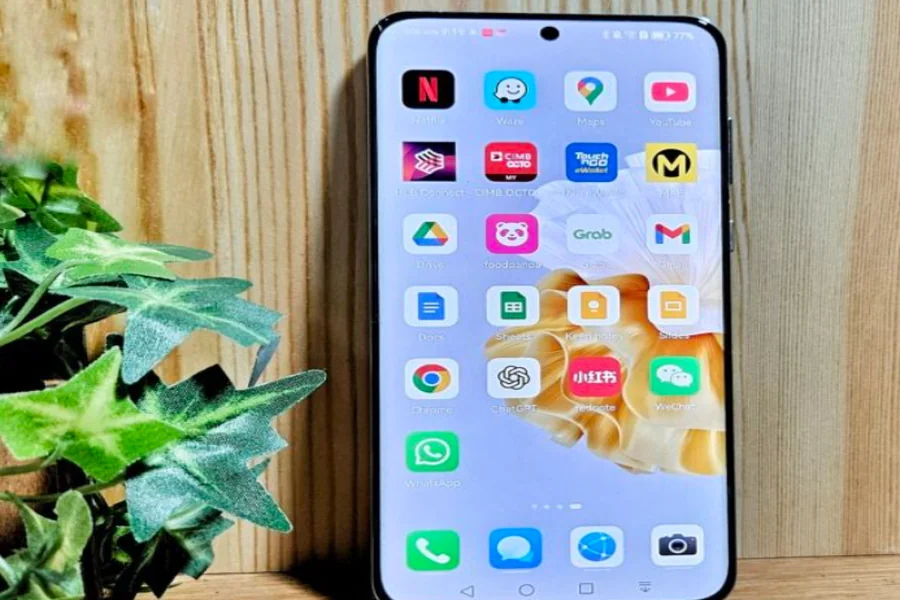
Many everyday apps rely on location data to deliver smoother, smarter experiences, from food delivery and ride-hailing to travel planning and event discovery. For Huawei users, enabling Google Maps integration across compatible apps can significantly improve accuracy, convenience, and efficiency. While Huawei devices use their own ecosystem, Google Maps can still be integrated effectively with the right setup. Understanding why this integration matters helps users and how to install google maps on huawei unlock more value from the apps they already use and navigate daily life with greater confidence.
How Google Maps Integration Enhances App Experiences on Huawei
Here are the key reasons Huawei users benefit from enabling Google Maps integration across their apps.
More Accurate Location-Based Services
Many apps depend on precise location data to function correctly. Food delivery platforms, taxi services, and shopping apps use maps to pinpoint addresses, calculate distances, and estimate arrival times. With Google Maps installed on your Huawei devices properly via AppGallery with MicroG or Gbox, the integration enables your apps to access more detailed map data, real-time positioning, and updated road information. This reduces errors like misplaced pins or incorrect directions, making daily tasks faster and less frustrating.
Smoother Navigation Between Apps
When Google Maps is integrated, switching between apps becomes effortless. For example, tapping an address in a messaging app or event listing can open instant turn-by-turn navigation without manually copying locations. This seamless handoff saves time and reduces distractions, especially when traveling or commuting. Integration ensures that navigation feels like a natural extension of your apps rather than a separate step.
Improved Travel and Booking Experiences
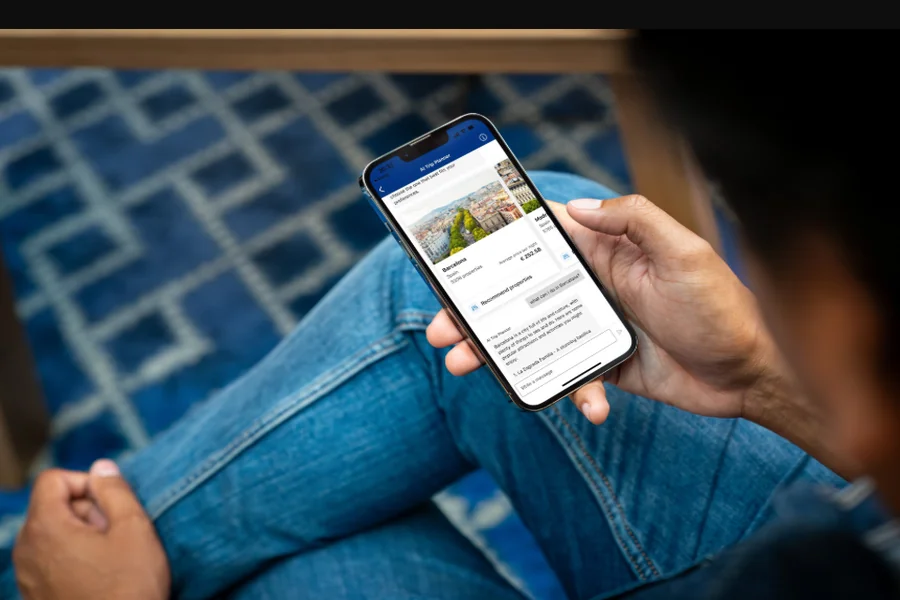
Travel-related apps benefit greatly from Google Maps integration. Hotel bookings, attraction guides, and transport planners can show accurate distances, nearby landmarks, and optimal routes. Huawei users who enable this integration gain clearer context when planning trips, choosing accommodations, or exploring new cities. Visual maps help users make better decisions based on location, accessibility, and proximity to essential services.
Better Real-Time Updates and Context
Apps that integrate with Google Maps can tap into live traffic data, road closures, and estimated travel times. This is particularly useful for delivery tracking, ride services, or scheduling apps that rely on punctuality. Real-time context allows apps to adjust routes dynamically and provide more reliable updates, helping users stay informed and avoid unnecessary delays.
Enhanced Safety and Awareness
Location-aware apps that work alongside Google Maps can improve safety. Whether sharing your location with contacts, tracking a delivery, or finding nearby emergency services, integration ensures information is current and easy to access. For Huawei users on the move, this added layer of awareness can make a meaningful difference during unexpected situations.
Consistent User Experience Across Services
Using one primary mapping system across multiple apps creates consistency. Familiar map visuals, gestures, and navigation cues reduce the learning curve and make interactions more intuitive. Instead of adapting to different mapping styles in each app, users enjoy a unified experience that feels reliable and predictable.
Supports Productivity and Daily Planning
Calendar apps, task managers, and business tools often include location-based reminders or meeting addresses. With Google Maps integration enabled, these apps can automatically suggest routes, estimate travel time, and send timely alerts. This helps Huawei users plan their days more effectively and arrive on time with less mental effort.
Conclusion
Overall, installing and enabling Google Maps integration across apps helps Huawei users get more accurate navigation, smoother workflows, and smarter location-based features. From travel planning and deliveries to productivity and safety, integrated mapping enhances how apps perform together. With a simple setup and thoughtful permissions, Google Maps becomes a powerful foundation that connects your apps into a more efficient, reliable digital experience.