
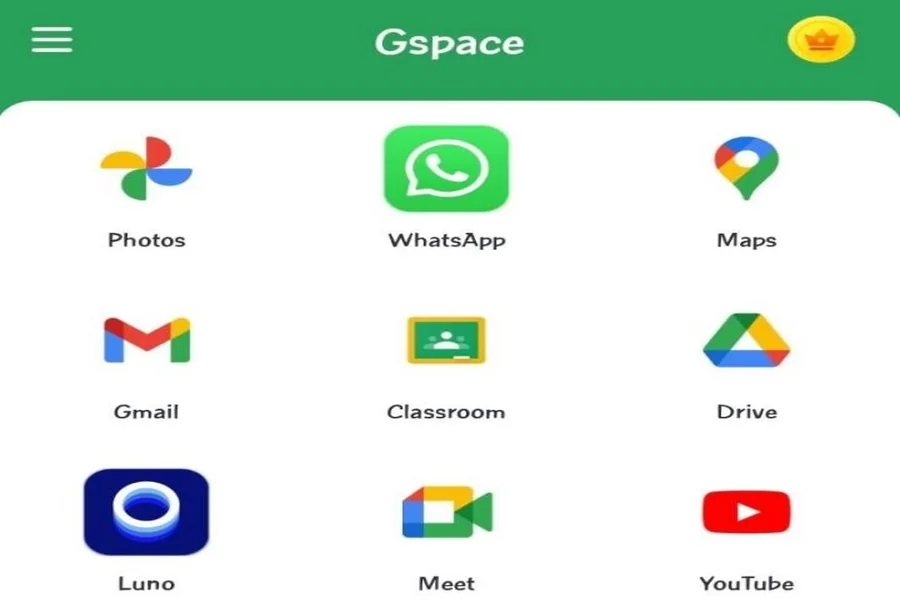
You may be searching for ways to download YouTube on Huawei, and you may have stumbled upon GSpace. GSpace has made a name for itself as an app that you can use to access Google Services like Gmail, Google Maps, and YouTube. Huawei users download and install this app so that they can create a native environment for Google apps. Is this the best way to get YouTube on Huawei? It is definitely one way to do it. In this article, you will learn about GSpace as well as other ways to install YouTube on your Huawei phone or tablet.
Methods to Install YouTube on Huawei
Install GSpace via AppGallery
GSpace is an app that is downloadable on AppGallery and on the developers’ website, gspaceteam.com. GSpace replicates Google Services so that you can have the same experience when you are on your Huawei device. To learn how to download youtube on huawei using GSpace, you first have to download GSpace on your device. Once you are finished with the download, you can find the Google Play Store in order to download YouTube. You can make the necessary changes to make YouTube more customized to your liking. You need to subscribe to GSpace to prevent ads from appearing on your device.
Install GBox via AppGallery
Another alternative to GSpace that you may consider getting is GBox. It is pretty much like GSpace in a lot of ways. It is also a virtual environment that provides a built-in GMS to its users. It is also available for download on AppGallery. To download GBox, you can go to AppGallery and search for it online. You can click on it to download and install it on your device after it shows up in the search results. When GBox is installed, you can go to the app and install Google Play if it is not preinstalled on it. You can now explore the Google Play Store the way you would do it on any Android device. YouTube will be available for you on the Play Store.
Install the YouTube App via AppGallery
You can go directly to AppGallery to download YouTube. This can be done through a quick search of the YouTube installer. Along with the installation of YouTube, you will also be prompted with the installation of other apps like microG or GBox, depending on the requirements presented by your device. When you are done, you can start using YouTube on your device. You have to make sure to allow some permissions for the components to function in the background. You can try to run YouTube on your Huawei device to check if the features work. If you encounter errors or crashes on your YouTube app, you may try troubleshooting it and restarting your device. You can also ask for help from Huawei Official Support on WhatsApp.
Conclusion
Google apps and services are now simple to install on Huawei phones. GSpace and GBox are effective apps that can help you run Google apps on your device. The AppGallery is also a source for most Google apps. To know how to download YouTube on Huawei and what exactly to use, you just need to try it out for yourself. Your device model will possibly dictate the method that you are to take because of limitations and restrictions. Whichever option you choose, you can rely on them to help you get YouTube on your Huawei device. They are all very capable of providing Google Mobile Services to accommodate YouTube, together with other Google apps that you may like to be installed on your Huawei mobile.